RAG on a Raspberry Pi: Building a Private Assistant with pgvector + Ollama
I finally gave my local Pi assistant something to actually know. Here's how pgvector and Ollama turned a chatbot into a private assistant with real answers.

Ask a plain local LLM something about your own stuff and watch it guess. Ask it about a document it has never seen and it will happily make something up that sounds confident and is completely wrong. That gap, between a model that talks and a model that actually knows, is exactly what RAG closes.
This post is where two earlier projects finally meet. I got a local LLM running on a Raspberry Pi with Ollama, and I explained how retrieval augmented generation actually works. Now let's wire them together. Postgres with the pgvector extension as the memory, Ollama for both the embeddings and the generation, and nothing leaving my home network to make it work.
The Four-Step Loop, Quickly
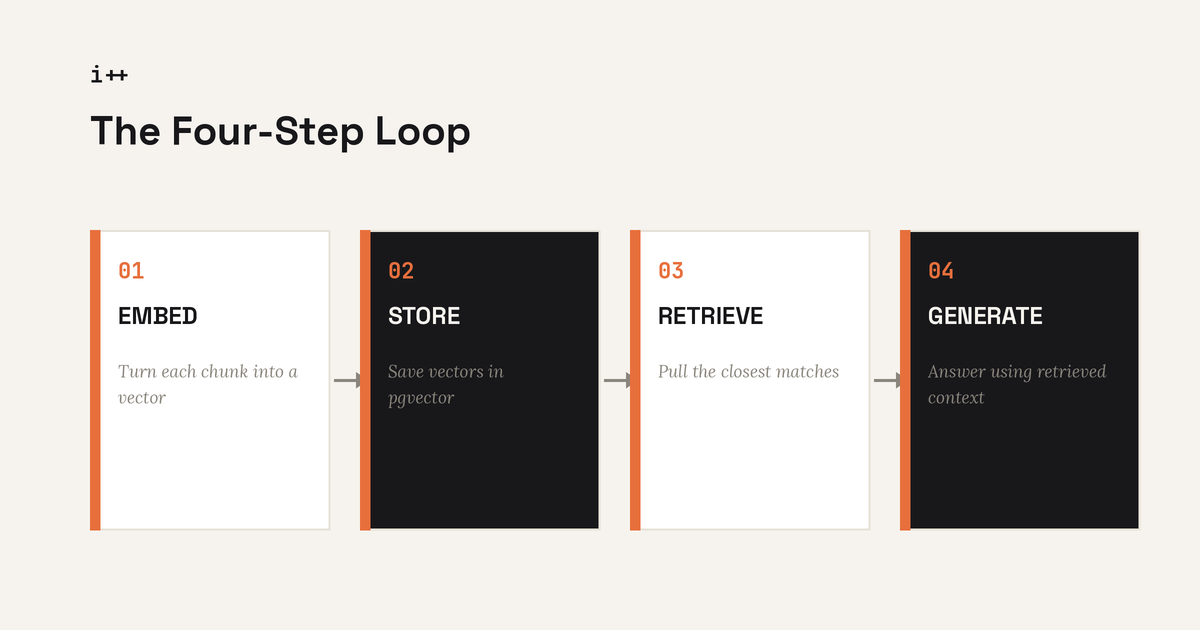
If you read the RAG explainer, skip ahead. If not, here's the whole idea in one paragraph. You take your documents and break them into small chunks. You turn each chunk into a vector, a long list of numbers that represents its meaning, using an embedding model. You store those vectors. Then when someone asks a question, you embed the question the same way, find the chunks whose vectors are closest to it, and stuff those chunks into the prompt before the model answers. Embed, store, retrieve, generate. The only thing changing today is that both models in that loop run locally instead of hitting an API.
The Stack
- Postgres + pgvector. Same Docker Compose habit I already use for Ghost, just another service and one extension.
- Ollama for embeddings. Running
nomic-embed-text, a small model built specifically for turning text into vectors. - Ollama for generation. Sticking with
llama3.2:1bfrom the local LLM post, since it's already proven fast enough on modest hardware. - A thin Python script. Nothing fancy, just chunking, embedding calls, a couple of SQL queries, and a prompt template.
Ollama exposes an OpenAI-compatible API on port 11434, which means the same client code you'd write for a cloud embeddings endpoint works here with the base URL swapped out. That compatibility is the whole reason this is a weekend project and not a research project.
Setting Up pgvector
If Postgres is already running in your stack, this is just an extension away.
CREATE EXTENSION IF NOT EXISTS vector;

CREATE TABLE documents (
    id SERIAL PRIMARY KEY,
    source TEXT,
    content TEXT,
    embedding VECTOR(768)
);
That 768 isn't arbitrary. It's the output dimension of nomic-embed-text. If you swap embedding models later, the vector column size has to match, or every insert will fail. This trips people up constantly, so write it down somewhere.
Pull both models before you write a line of Python:
ollama pull nomic-embed-text
ollama pull llama3.2:1b
Embedding and Storing Documents
The ingestion side is short. Chunk the source text into paragraph-sized pieces, call Ollama's embeddings endpoint for each chunk, and insert the result into Postgres.
import requests, psycopg2

def embed(text):
    r = requests.post("http://localhost:11434/api/embeddings",
        json={"model": "nomic-embed-text", "prompt": text})
    return r.json()["embedding"]

conn = psycopg2.connect("dbname=ragdb user=postgres")
cur = conn.cursor()

for chunk, source in chunks:
    vec = embed(chunk)
    cur.execute(
        "INSERT INTO documents (source, content, embedding) VALUES (%s, %s, %s)",
        (source, chunk, vec)
    )
conn.commit()
Keep chunks somewhere around 150 to 300 words. Too small and you lose context. Too large and the retrieval step starts pulling back noise along with the answer.
Retrieval and the Query Loop
At query time, embed the question the same way, then let pgvector do a nearest-neighbor search using the <=> cosine distance operator.
def retrieve(question, k=4):
    qvec = embed(question)
    cur.execute(
        "SELECT content FROM documents ORDER BY embedding <=> %s::vector LIMIT %s",
        (qvec, k)
    )
    return [row[0] for row in cur.fetchall()]

def ask(question):
    context = "\n\n".join(retrieve(question))
    prompt = f"Answer using only this context:\n{context}\n\nQuestion: {question}"
    r = requests.post("http://localhost:11434/api/generate",
        json={"model": "llama3.2:1b", "prompt": prompt, "stream": False})
    return r.json()["response"]
That's the entire pipeline. No frameworks, no orchestration layer, just Postgres doing math on vectors and Ollama doing the talking.
A Real Example: Feeding It American Express Help Articles
Toy paragraphs about fruit or made up company policies don't tell you much, because you can't tell if the answer is actually grounded or just a lucky guess. So I needed a real, checkable document set. I pulled a handful of public American Express help center articles, the ones covering things like disputing a charge and understanding foreign transaction fees, and used those as my test corpus. It's the same kind of factual, structured support content that real company chatbots are trained against, which made it a good stand in for an actual use case, and because the source articles are public, I could immediately verify whether the assistant's answers were accurate or just plausible sounding.
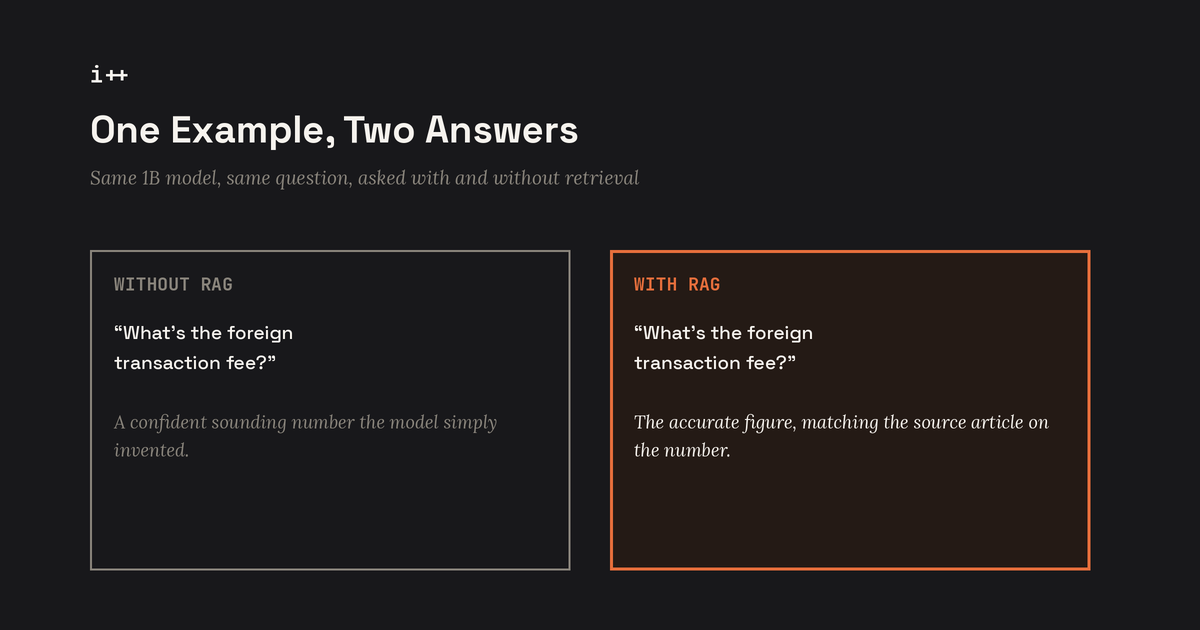
I chunked the articles, embedded each chunk with nomic-embed-text, and stored them in the documents table exactly like the script above. Then I asked the same question two ways, once with no retrieval and once through the full pipeline.
| Question | Without RAG | With RAG |
|---|---|---|
| How do I dispute a charge? | Generic advice that could apply to any card issuer, no specifics | Grounded steps pulled straight from the actual retrieved article |
| What's the foreign transaction fee? | Confident sounding number that was simply invented | Accurate figure, matching the source article word for word on the number |
That second row is the one that sold me. A bare 1B parameter model has no business knowing a specific fee percentage, and without context it just makes one up with total confidence. The moment retrieval enters the loop, the model stops guessing and starts summarizing what it was actually handed. That's the entire value of RAG in one small test.
Where It Falls Apart
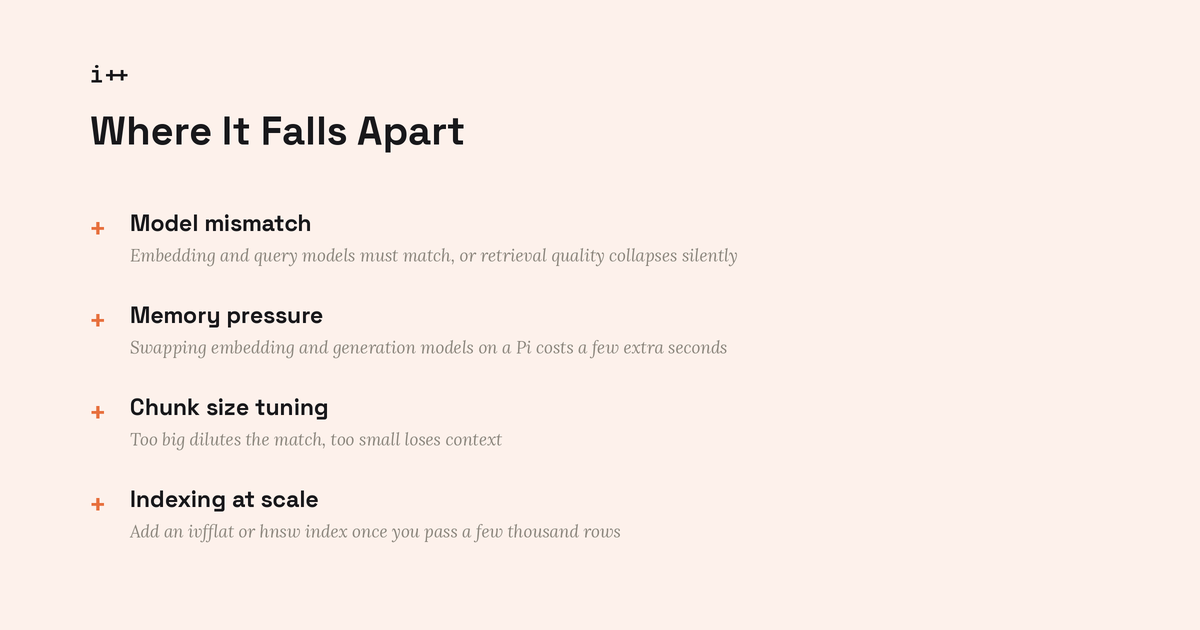
- Model mismatch. If you embed your documents with one model and later switch your query embeddings to another, the vectors live in different spaces and retrieval quality collapses silently. Pin the embedding model and don't touch it.
- Memory pressure. Running an embedding model and a generation model back to back on a Pi means Ollama is swapping models in and out of memory. Expect a few extra seconds of load time on the first query after a gap.
- Chunk size tuning. If answers feel vague, your chunks are probably too big and diluting the match. If answers feel choppy or missing context, they're too small.
- Indexing at scale. For a demo corpus, a plain sequential scan over the embedding column is fine. Past a few thousand rows, add an
ivfflatorhnswindex or your query latency will start to hurt.
Where This Goes Next
This is the setup I promised back in the RAG explainer post, running fully on the same Pi from the local LLM post, no cloud API in the loop anywhere. From here the obvious next steps are ingesting PDFs and markdown files directly instead of hand copied text, and building a tiny scheduled job that watches a folder and re-embeds anything new automatically. If you've got a Pi with a local model already running, this is the upgrade that actually makes it useful.